
Start your glow up
SkinPal on iPhone and Android

Free on iPhone and Android
Free skin analysis app
scan, score, and, track your skin
One selfie, a full skin analysis, and weekly tracking that shows whether your routine works.
Full analysis
From one selfie
Measured
Scores, not opinions
Tracked
Trends, not snapshots
Step 1 · quick scan, right here
Scan your skin now, no install
This scan runs in your browser and reads four surface signals: redness, tone evenness, T-zone shine and skin depth. Your photo never leaves your device. It is a snapshot of half the picture, and the next section shows the other half.
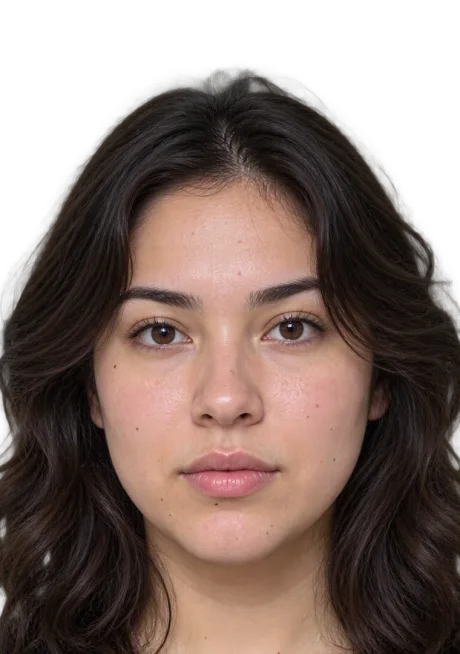
478-point landmark map
Step 1 of 2 · your photo
Add a photo to measure
Face the camera straight on, hair off the face, even light, no tilt.
How it works
Add your photo
Camera or upload, either works.
Mapped in your browser
478 landmarks, entirely on your device.
Your measured result
Numbers and lines drawn on your photo.
On-device · never uploaded
478 landmarks
Free · no signup
Step 2 · the other half
The browser scan reads 4 signals. The app reads far more, and remembers.
Acne, texture, hydration, skin age and skin type need the full analysis, which runs in the app. So does the part that actually changes skin: a saved history that shows whether the product you bought last month did anything.
Get the full scan in the app →iPhone and Android.
Inside the app
Your complete skin report
The app maps each metric zone by zone. Switch the maps to see how a full report reads a face.
Compared to other users
Better hydrated than 62% of users.
Zone readings
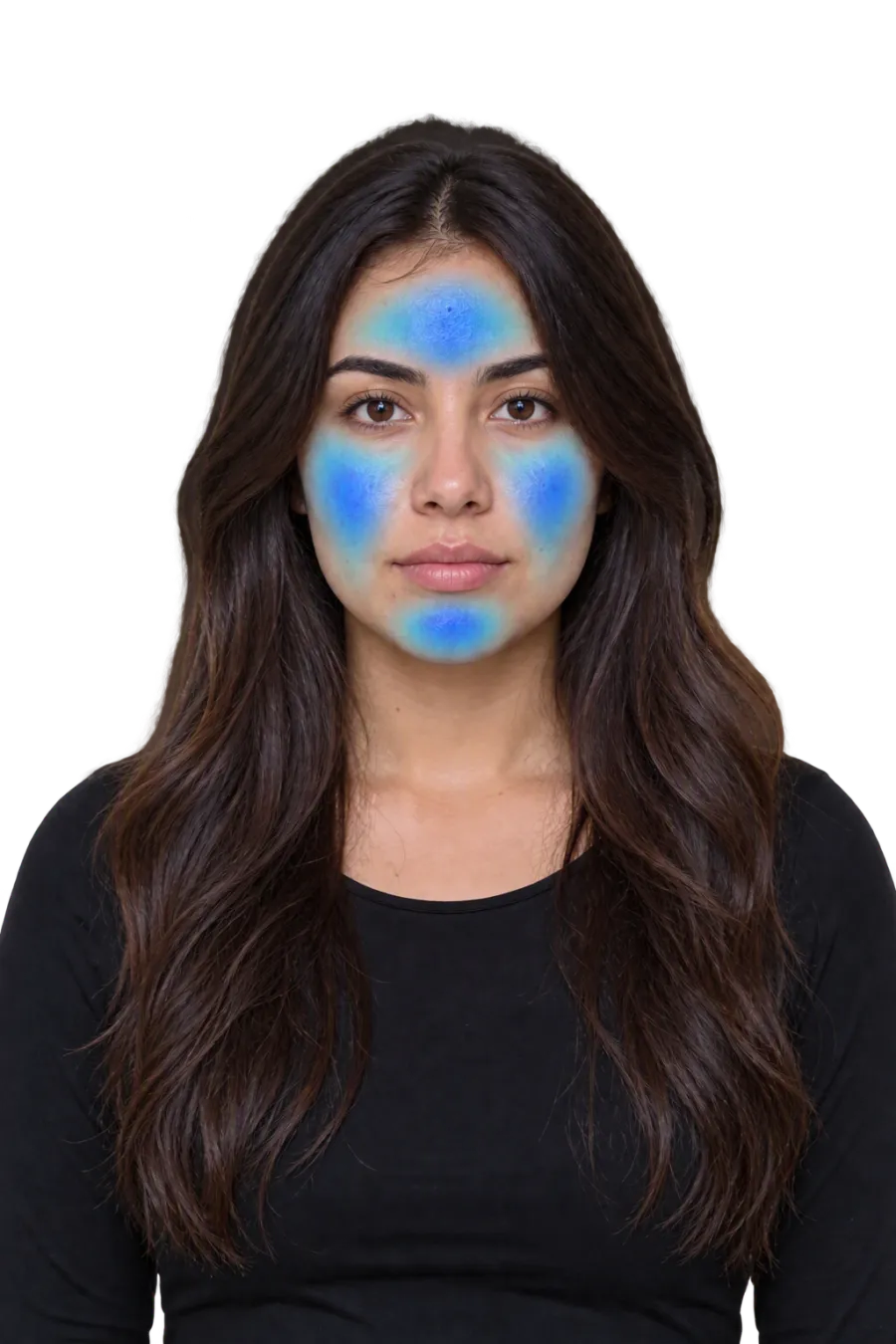
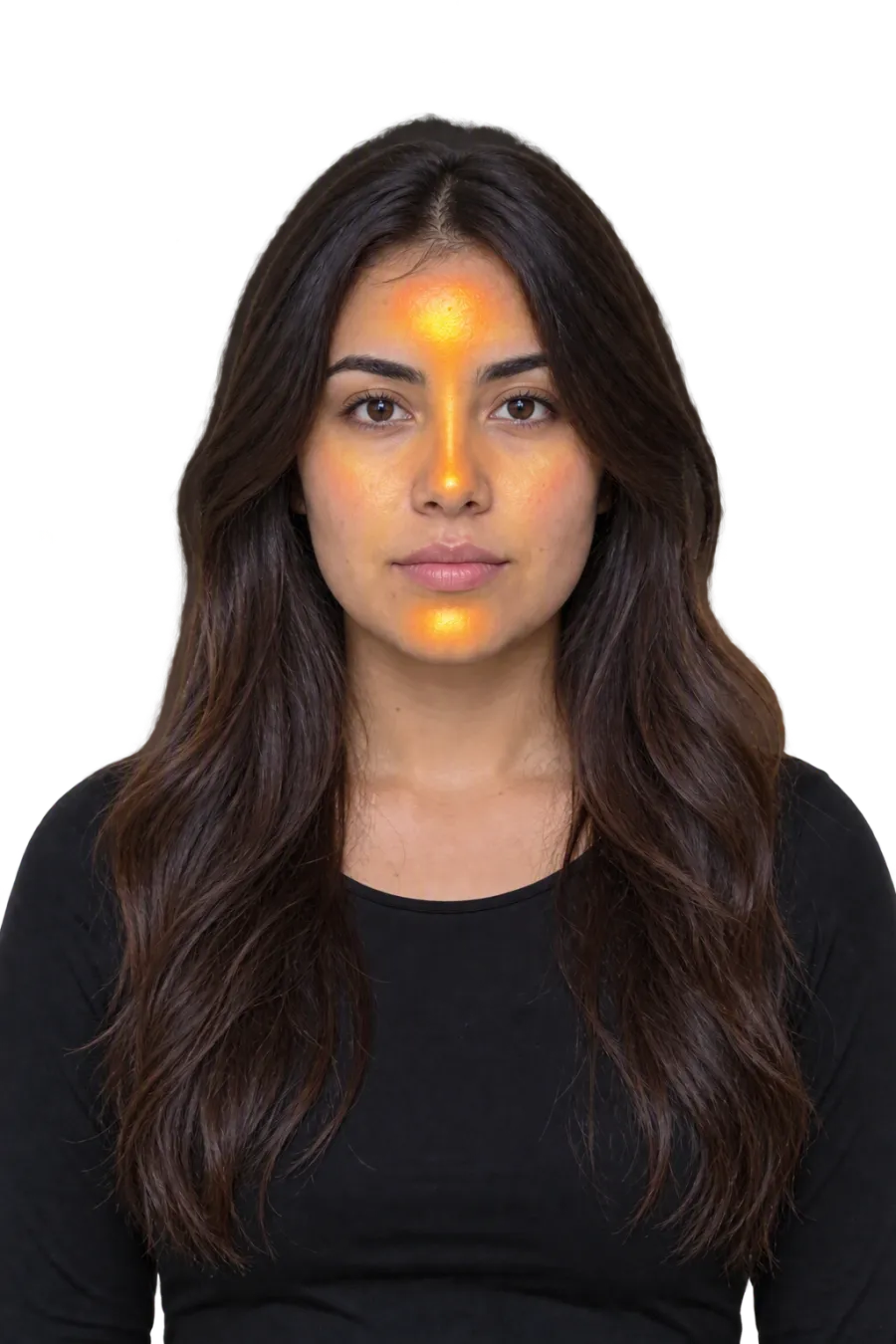
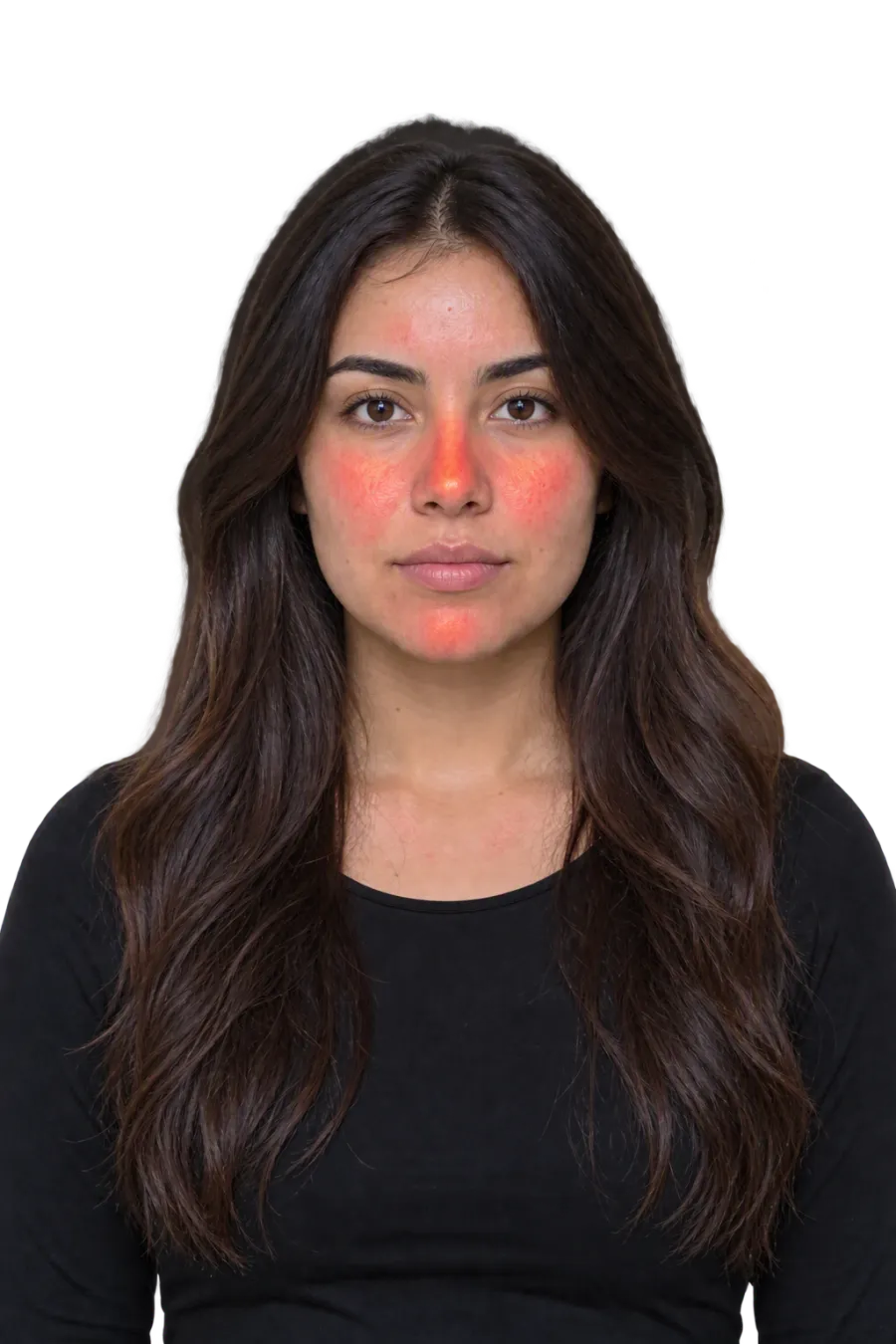
Illustrative report · hydration
hydration · spectrum
Balanced overall — cheeks holding moisture best; forehead loses it first.
Skin age
Reading younger than actual — hydration and texture are carrying it.
Step 3 · in the app
From one selfie to a routine that is measured
[1]
Scan your face
One selfie in the app. About 30 seconds, no equipment.
[2]
Get your full analysis
Each metric scored and explained, zone by zone.
[3]
Follow your routine
Exact steps, morning and night, built from your numbers.
[4]
Track the change
Weekly scans plot the trend, so you see scores move or not.
FAQ
Common questions
Prefer no install at all? Every free tool and guide on this site works in your browser.
Is there a free skin analysis app?+
Yes, on the web: the quick scan on this page is free every time, with no install and no signup. For a deeper analysis, a plan built for you and tracking over time, SkinPal AI is on iPhone and Android.
What is the difference between the scan on this page and the app?+
The scan on this page runs in your browser and reads four surface signals: redness, tone evenness, T-zone shine and skin depth. The app reads far more, adding acne, texture, hydration, skin age and skin type, saves every scan so you can compare weeks, and builds a routine from your scores. The web scan is a snapshot. The app is the timeline.
How accurate is a skin scanner app?+
Directionally useful, not clinical. It reads light reflected from the surface of your skin, so lighting, camera and angle all move the scores, and it cannot see beneath the surface or diagnose anything. Its real value is comparison: the same face, in the same light, week after week, shows whether a routine change did anything.
Does SkinPal work on Android?+
Yes. SkinPal AI is on Google Play for Android and on the App Store for iPhone (iOS 15.1 or later). The quick scan on this page works in any modern browser.
Are my photos private?+
The quick scan on this page runs entirely on your device and uploads nothing. In the app, photos and skin data are encrypted and are not sold, and you can delete your account and photos from Settings; deletion completes within 30 days.
Can an app replace a dermatologist?+
No. SkinPal is a cosmetic tracking tool. It does not diagnose, and anything painful, changing, bleeding or scarring needs a clinician. What it does well is the part a clinic visit cannot: measuring your skin every week at home.